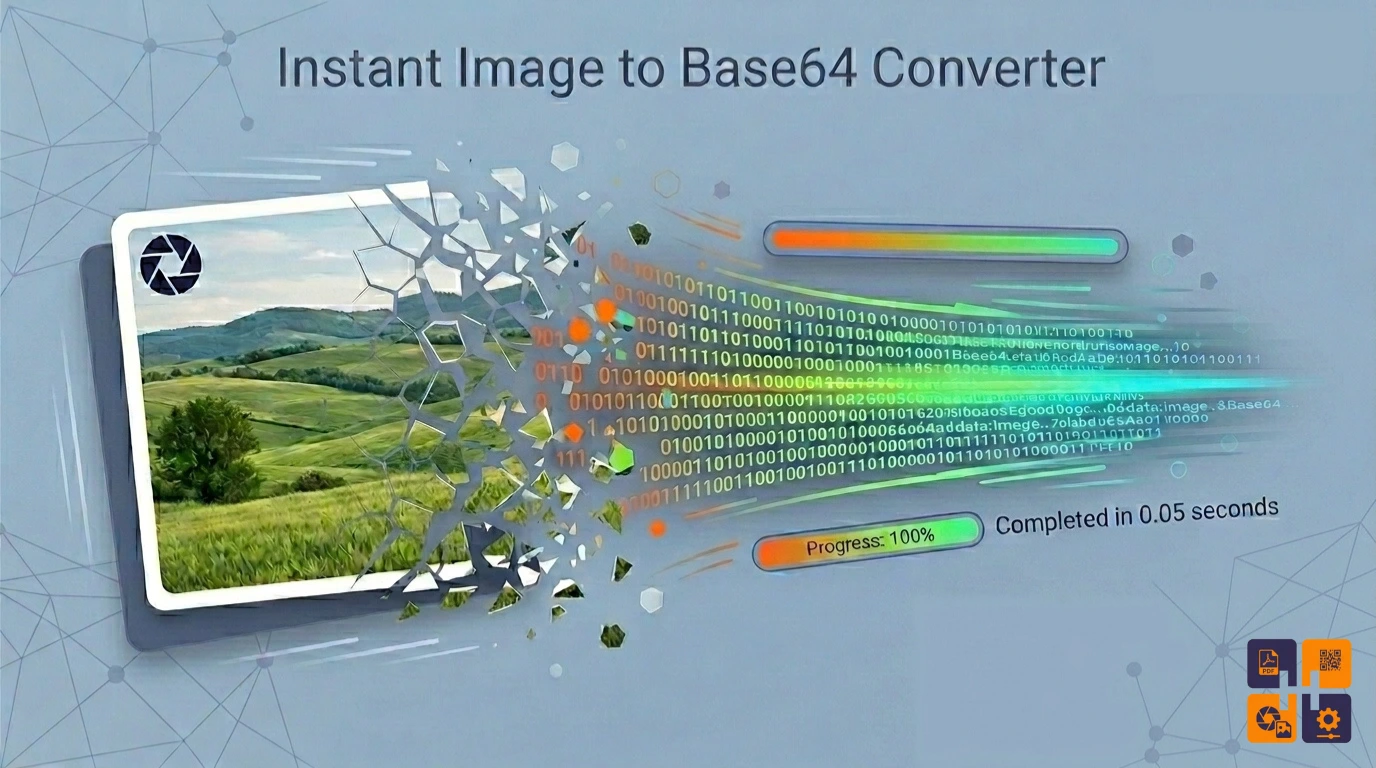
The Ultimate Guide to Base64 Image Encoding
Optimize your web development workflow by mastering data URIs.
What is Base64 Image Encoding?
Base64 is a group of binary-to-text encoding schemes that represent binary data in an ASCII string format. In web development, Image to Base64 conversion allows you to include image data directly inside your HTML or CSS code using a Data URI scheme.
Example of a Base64 String:
data:image/png;base64,iVBORw0KGgoAAAANSUhEUgAAAAEAAAABCAYAAAAfFcSJAAAADUlEQVR42mP8/5+hHgAHggJ/PchI7wAAAABJRU5ErkJggg==
When Should You Use Base64?
While Base64 is powerful, it isn’t always the best choice. Here is when you should use our Image to Base64 Tool:
- Small Icons & Logos: Perfect for SVG or small PNG icons to reduce HTTP requests.
- Email Templates: Some email clients handle embedded Base64 better than external links.
- Critical CSS: Embed “above-the-fold” images to prevent layout shifts (CLS).
- Offline Apps: Useful for web apps that need to function without a server connection.
Pros and Cons of Base64 Images
Pros
- Reduced HTTP requests (faster initial load).
- No “broken image” links.
- Easier to manage single-file templates.
Cons
- 33% larger file size than binary.
- Base64 strings are not cached by browsers individually.
- Can clutter your source code.
How to Convert Images to Base64
- Navigate to our Image to Base64 Converter.
- Drag and drop your file (JPG, PNG, WebP, or GIF) into the upload zone.
- Wait a fraction of a second for the conversion.
- Click “Copy String” and paste it directly into your
<img src="...">tag or CSSbackground-image: url(...).